6× the battery life. 96,000 free books. A much better reader.
• firmware and both apps
Reading on one charge
90 h
Free books in the app
95,938
To open your shelf
0.8s
Battery
Charge it once, then read for about 90 hours
It used to be about 15 hours. You can stop carrying a cable.
Your device stays connected to your phone the whole time, so you still get
notifications and your place in a book still follows you. Nothing was switched off
to save the power.
The reason it was ever 15 hours is that the chip ships with its power saving turned
off, and no app can turn it back on. We rebuilt the chip's system software ourselves
to get at it. Three changes did the work.
What changed
Power used
Reading time
Where 0.6 left off
44 mA
15 hours
The radio sleeps between beats
23 mA
28 hours
The processor slows when idle
16 mA
41 hours
The whole chip naps, phone still linked
7 mA
90 hours
The radio alone used to eat more than half your battery. It now uses about three
milliamps. That is where the six times came from.
Charge it on Sunday and forget about it.
Books
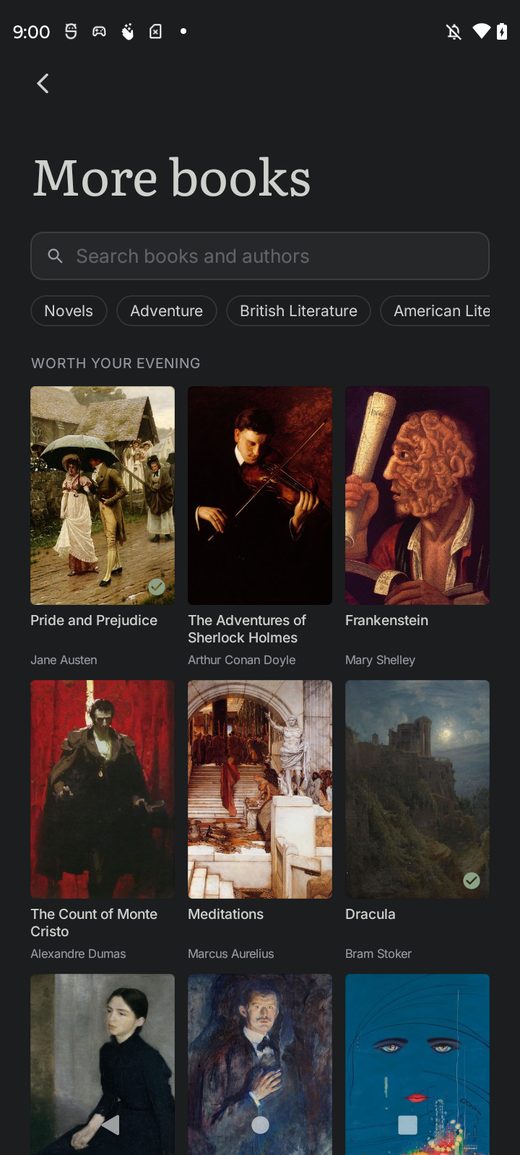
96,000 free books, already in the app
Find a classic and send it to your device in about ten seconds. You do not need an
account, a shop, or a file.
The books come from eight public libraries, including Project Gutenberg, Standard
Ebooks and Wikisource. There are 31,097 authors and 122 languages in there.
Free books normally look free. Missing covers, wrong titles, forty scans of the same
novel. We fixed that. Every book has a cover, and where no cover existed anywhere we
designed one, so you never scroll a wall of grey boxes.
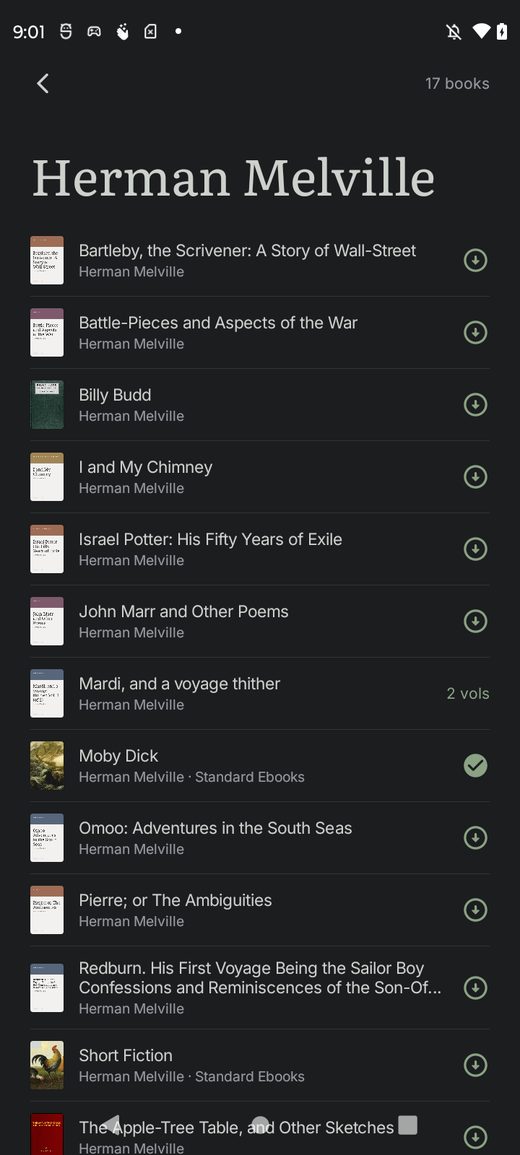
Real cover art on every shelf.Search an author and you get the author, with all their books in one place.
Search gives you the book, not forty scans of it, and puts the well known edition first.
Every book has a description and a word count, so you can see what it is and how long it will take.
Books open on chapter one instead of the copyright page.
On iPhone the catalogue is stored on your phone, so search is instant and works with no signal.
Reading
A much better reader
More words on the page, better looking text, and the things a book reader should have
had from the start.
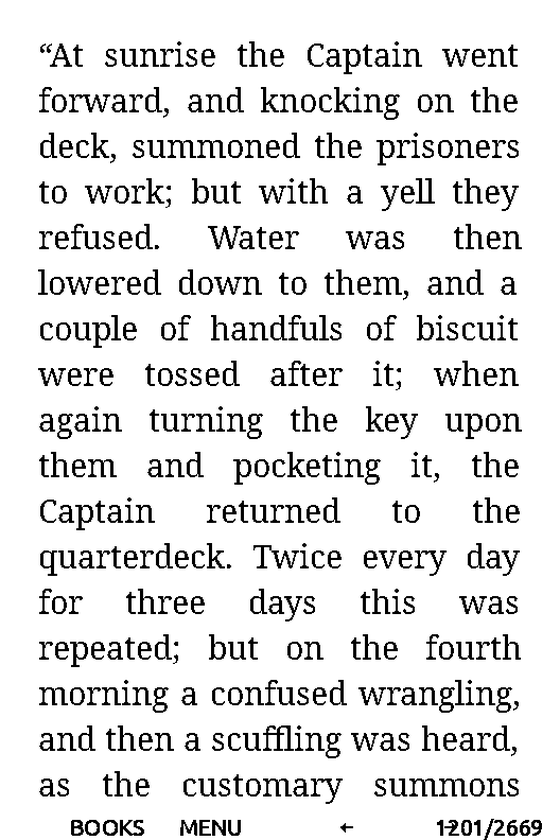
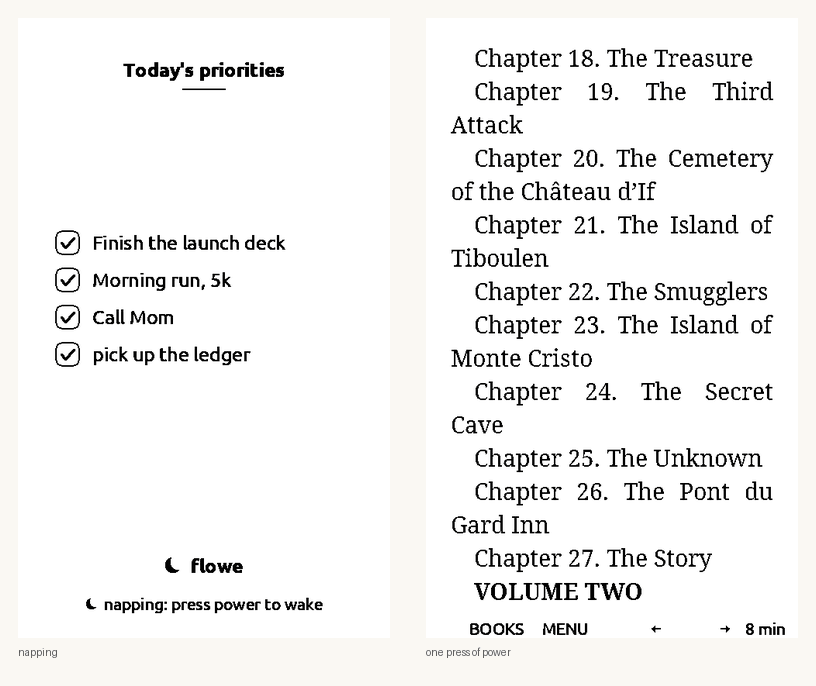
The buttons and the status bar are gone while you read. You get about one more line of
text on every page as a result. Text is now hyphenated and justified properly, which is
why the right edge no longer looks ragged.
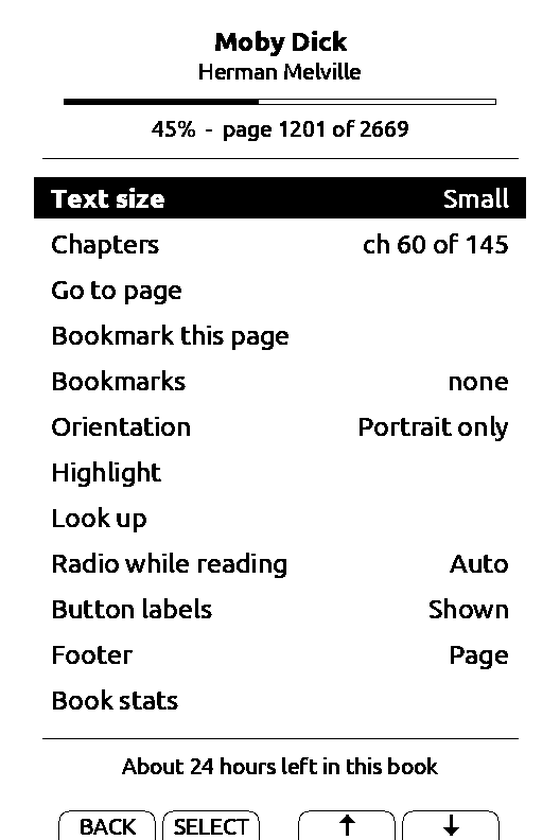
Two small words, two arrows, and your page number. That is all.Press MENU for everything else. Four of these rows are new.
Look up a word without leaving the page. Send the dictionary to your device once from the app and it stays there.
Read footnotes. On a page with a footnote mark, MENU offers you the note, and one press takes you back to your place.
Highlight a paragraph on the device and it appears on your phone straight away.
Finish a book properly. You get a screen telling you how long it took, and offering the book you have left unread the longest.
Choose your footer. Page number, percent, time left in the chapter, or nothing at all.
Big books no longer show blank pages, and the chapter list now shows the book's real chapters instead of the file's internal parts.
Sleep
It wakes straight back to your page, and shows your day while it sleeps
No more waiting for it to start up, and no more blank screen sitting on your desk.
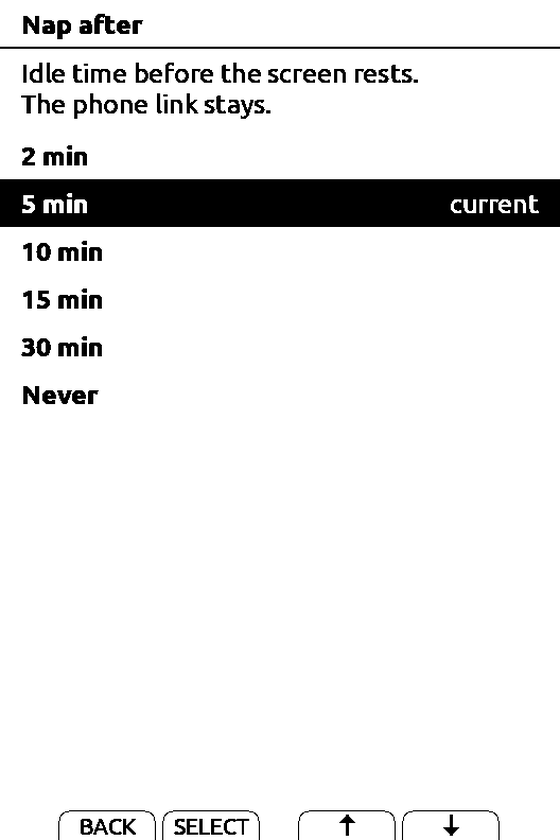
After five idle minutes the screen goes to sleep, but the device stays awake and
connected. Your priorities stay on the screen. One press of the power button puts
you back exactly where you were, with no start up.
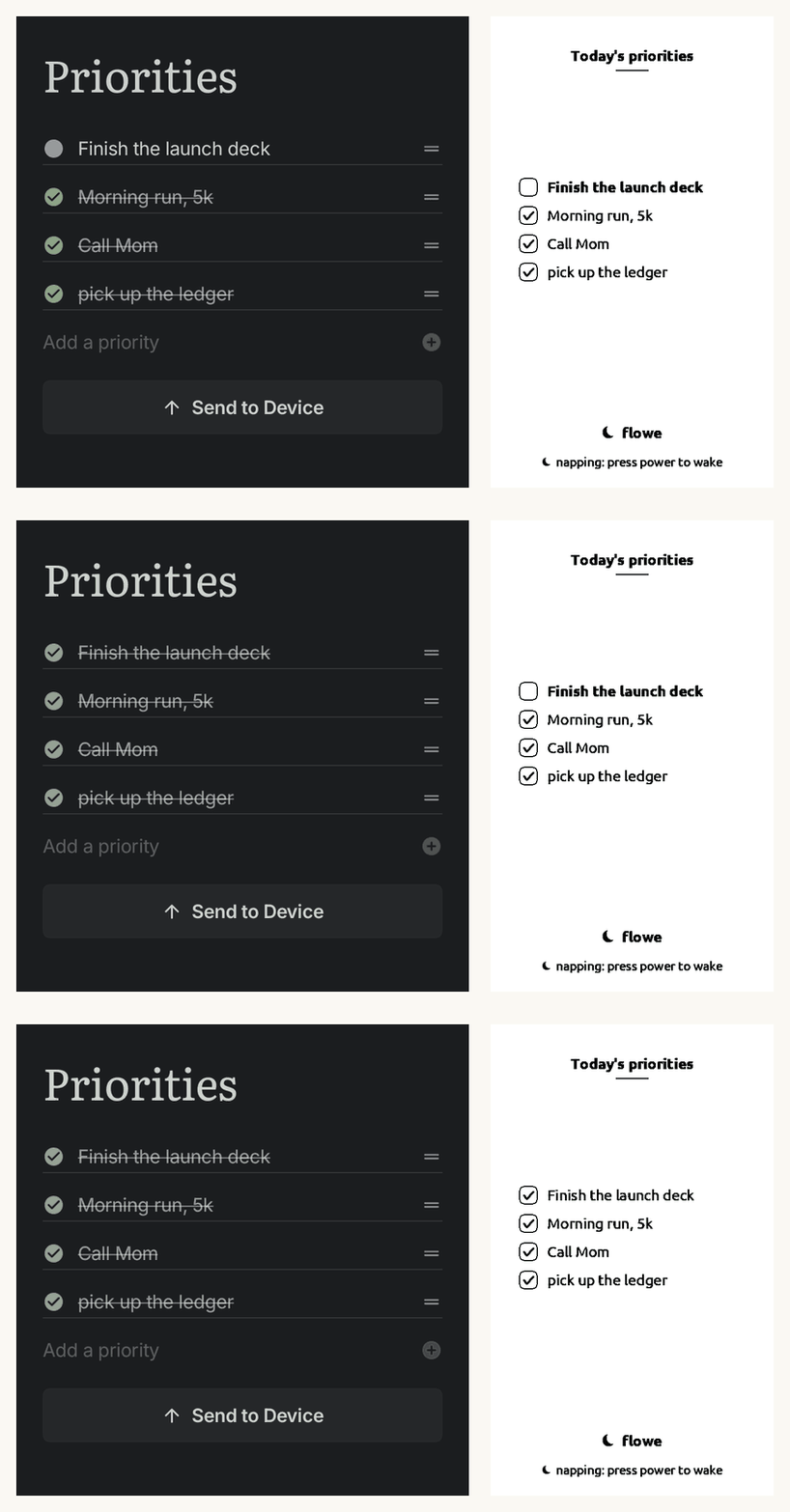
Because it stays connected, the sleeping screen keeps up with your phone. Tick
something off on the phone and the screen redraws itself a moment later.
Asleep, then one press of the power button.
The device is asleep the whole time. It redraws about a second after the phone.
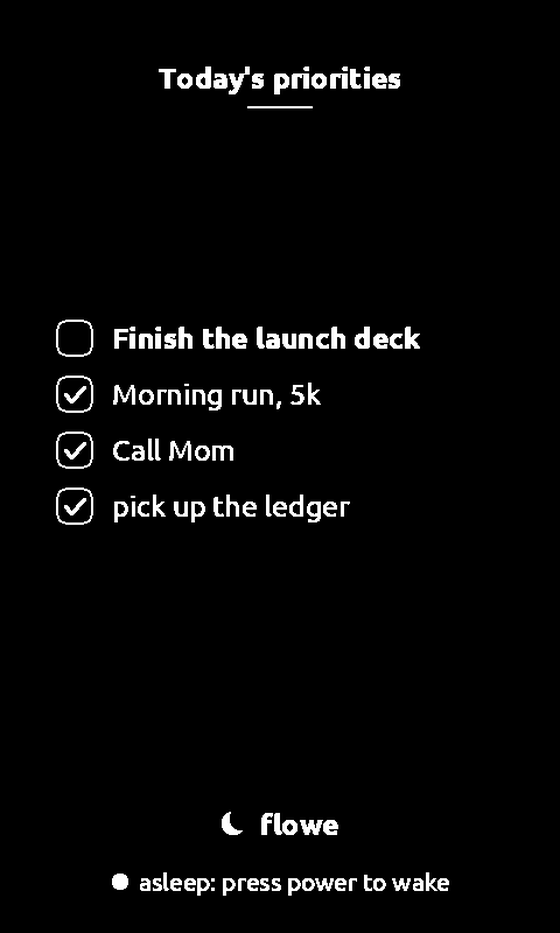
After an hour it turns off properly. The screen inverts, so you can see at a glance which state it is in.Both timings are yours to set, or you can turn either one off.
Voice
Add things by talking
Faster than typing on a phone, especially first thing in the morning.
Press the button in the middle of the Today tab and say what you want. Add a
priority, log a workout, or change one you already made. Long press the same button
from any other tab.
It handles corrections, so you can say "no, make that Thursday" and it will fix it.
It can only do things the app already does, so it cannot go off and invent something.
The microphone is the middle button on Today.
Speed
Less waiting, more doing
The slowest things you do every day are now about four times quicker.
Your device used to open every book on the card just to draw the shelf. It now
remembers what it found last time.
What you do
0.6
0.7
Press BOOKS to leave a book
3.5 s
0.8 s
Open the chapter list in a long book
6.5 s
0.02 s
Turn a page on the X4
752 ms
594 ms
Restart to your home screen
6.0 s
3.0 s
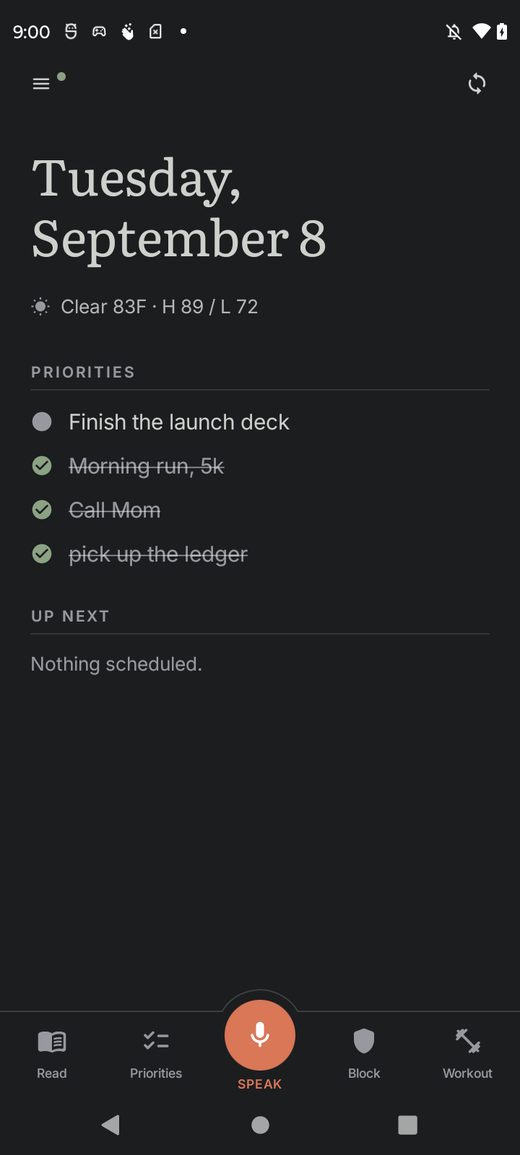
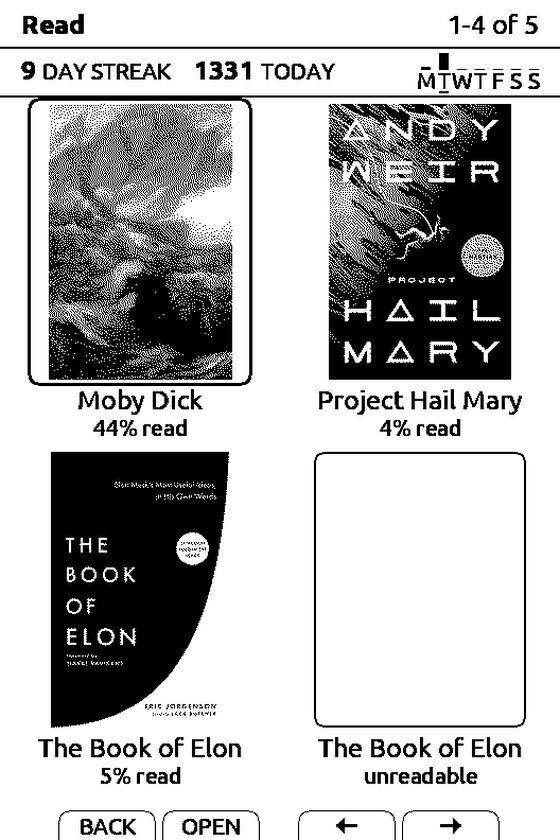
Your shelf shows real covers, your reading streak, and how far into each book you are.
Fixed
Sending books to your device actually works now
This was the most reported problem in 0.6, and most of this release went on it.
A book you deleted from the device came back on the next sync. Worse, once you deleted
a title your phone quietly refused to ever send it again. There was no error and no way
around it. If you took that book again months later it just sat there saying it needed
updating.
Every sync also ended with a red message saying we could not reach your device,
including the ones that worked. Your device restarts itself when a sync finishes, and
we were reading that as a failure.
Deleting a book stays done, and a book you deleted can be added again.
A sync that worked says it worked.
One book failing no longer stops the rest of them.
You can delete from your phone, your device, or both. It asks first and tells you what it removed.
Syncing now happens where you are, instead of throwing you onto a transfer screen and losing your place.
You can watch each book upload.
Your home screen
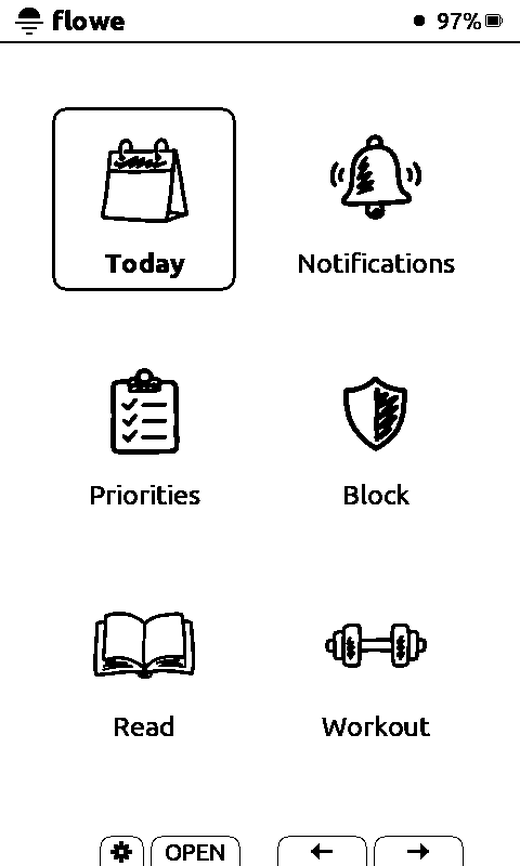
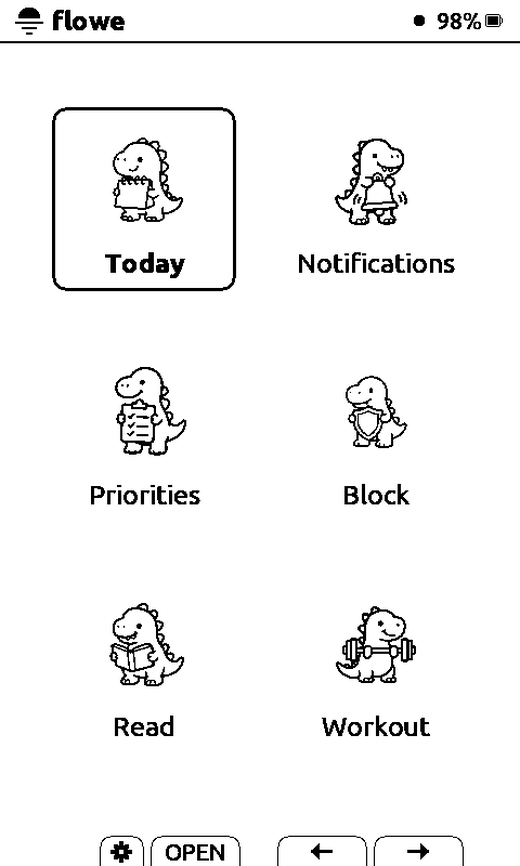
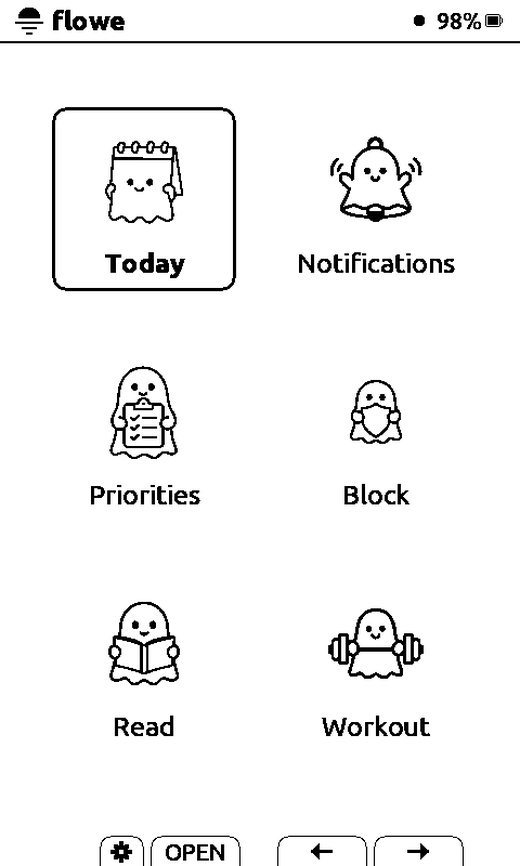
Thirteen icon packs
Pick the one you like. Settings, Icon style, then press the arrows to try each on the
screen before you keep it.
Classic, Stamp, Cutout, Etched, Signal, Woodcut, Inkdrop, Kawaii, Dinos, Ghosts,
Snacks, Brush and Marker. Some are quiet and some are not.
Marker.Dinos.Ghosts.
Try it out
Flowe is in beta and anyone can join. The app is free, and it works on its own from the
first morning, before your device arrives.
1
Get the app
On iPhone. Join through TestFlight. Apple's
TestFlight app installs first, and Flowe appears inside it.
On Android. Two steps, in this order. Join the
tester group with the Google account you buy apps with, then
accept the invitation on Play. Play offers you the app as a
normal install after that.
Searching the Play Store for Flowe will not find it. The beta is closed, so the
invitation is the only way in.
2
Flash your device
In a browser. Open flowe.ink/flash in Chrome or Edge,
plug in USB-C, and press Update Flowe. It keeps your pairing and every book on your
card.
Or by SD card. Download the zip from the
release page and copy update.bin to the root of
your card. Put the card back, then hold the left side button and power together until
the update screen appears.
One file works on both the X3 and the X4. It works out which one you have.
3
Update both, then go and read something
Do the app and the firmware in the same week. They share a new page layout, so a book
built by the new app hides its last lines on old firmware. The ninety hours only
arrives with the firmware.
Then charge it once, and see how long you get.
Something broken? Tell us on GitHub, or reply to the
beta email. It reaches a human. Stay in the flow. — Andrew